Table of contents
TL;DR / [Geek Summary]:
- Account First Aid: Providing standardized appeal templates and multi-path recovery solutions for sudden Telegram bans.
- Appeal Logic: Leverage the official Support page and automated email triggers for rapid first-round intervention.
- Geek Warning: Appeal success is typically limited to the first ban; avoid high-risk behavior to prevent permanent blacklisting of your mobile number.
# Preface
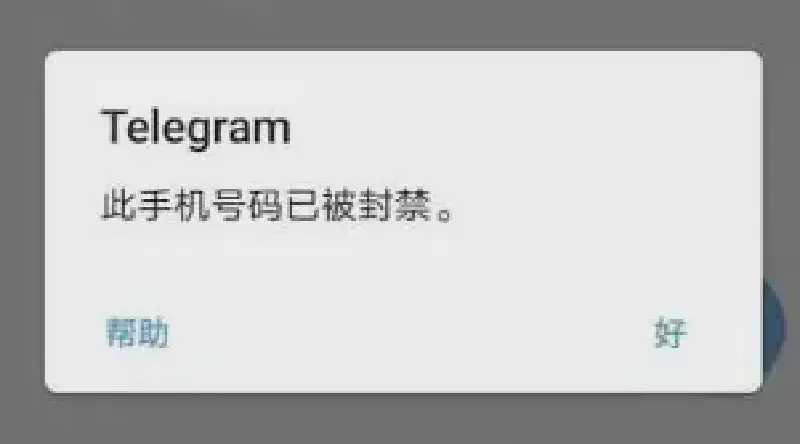
My mobile phone number has been disabled. When this happens, Telegram mobile and PC will automatically disconnect and exit. When you try to log in again, it will prompt that this mobile phone number has been blocked.
However, if you have performed a large number of illegal operations, it is recommended to directly change the new mobile phone number and re-register, because the possibility of being unblocked is basically zero.
# Solution
Method 1
Click Help directly on the banned page, and the TG client will automatically generate an email and you can just click Send
Method 2
The second method to unblock is faster, because the email method is used by many people, and you can appeal together when you appeal
Use a mobile phone or computer browser to open the link: https://telegram.org/support This page is the Telegram support page.
Fill in the following content on this page. This is what I filled in, you can copy it
| |
Fill in your email:
| |
Fill in your phone number:
| |
# Come back in 2025 and see what I found
Well, it can only be used for the first time the account is blocked, and the second time it will not be used at all.